Login & Signup Flow
Maintenance Box
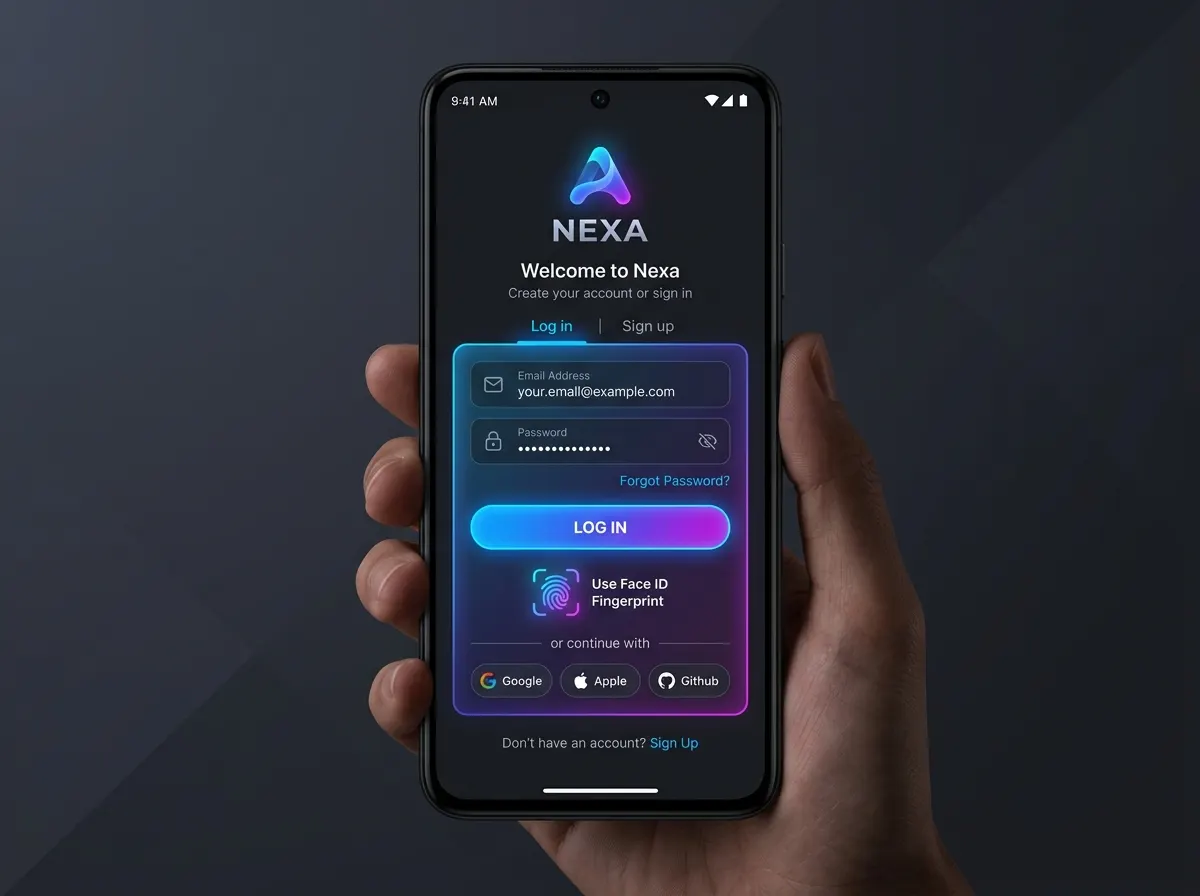
Login, signup and home screens for the Maintenance Box app, with the user’s details saved on the device.
- Built with
- Flutter
- Dart
- SharedPreferences
- Platforms
- Android, iOS
- Year
- 2026
What it does
Branded login and signup screens.
Name and email saved with SharedPreferences at signup and loaded again on the home screen.
Named-route navigation between screens.
Reusable text field and button widgets.
How it’s built
Three screens are wired with named routes in MaterialApp: '/' for login and '/home' for the home screen, with signup in between. The signup screen saves the user's name and email to SharedPreferences and returns to login with pushReplacementNamed; the home screen reads both values back when it opens and greets the user by name.
The text fields and buttons are reusable widgets, a custom text field and a custom button, shared by the login and signup screens.
Scope
This is a front-end flow. The data stays on the device and the login screen doesn’t check a password against a server. It shows the screens, navigation and local storage that a real sign-in would sit on top of.